The short version
- Two subscriptions mean two usage budgets. When one runs out, the other can carry on.
- Claude Code reads
CLAUDE.md; Codex readsAGENTS.md. Keep one source of truth. - Give each agent its own worktree, and never let both work the same task at once.
- Their safety models differ: Claude Code asks through permission modes, Codex runs in a sandbox.
Plenty of developers now pay for both a Claude plan and a ChatGPT plan, and have both Claude Code and Codex installed. Most use them one at a time: Claude Code by default, Codex when Claude says it's out of usage until later. That works, but you can get a lot more from the pair with a little setup.
This guide covers running both on the same repository without them stepping on each other, and how to hand work from one to the other.
Why bother with both
- Two usage budgets. Each plan has its own limits. When one agent hits its limit mid-afternoon, the other can keep going. This is the most practical reason, and it's the one that pays off every week.
- A second opinion. When one agent is stuck on a bug after several attempts, a fresh agent with a different model often finds another angle. Handing over a stuck task is cheap if the work lives in a branch.
- More parallelism. If you run several tasks at once, spreading them across both plans lets you run more of them before either budget runs dry.
We won't tell you which agent is "better". It changes with every model release, and it depends on your codebase. Try both on your own tasks and keep notes.
Step 1: one set of instructions
Each agent looks for its own instruction file in the repository. Claude Code reads CLAUDE.md. Codex reads AGENTS.md. If you maintain both by hand, they will drift, and the two agents will follow different rules.
Pick one as the source of truth. The simplest options:
# keep AGENTS.md as the real file and link the other to it
ln -s AGENTS.md CLAUDE.md

# or keep CLAUDE.md short and point it at AGENTS.md
echo "Read AGENTS.md for this project's rules." > CLAUDE.md
Put the things both agents need in that file: build and test commands, the install step for a fresh worktree, code style, and what not to touch.
Step 2: separate worktrees, always
Treat the two agents like two developers. Each task gets its own git worktree and branch, whichever agent works on it:
git worktree add ../clankdesk-transcript -b perf/session-transcript
git worktree add ../clankdesk-menubar    -b feat/menu-bar-icon

(cd ../clankdesk-transcript && claude)
codex --cd ../clankdesk-menubar
Never point both agents at the same folder at the same time. They don't know about each other, and each will treat the other's half-finished edits as bugs to fix.
Step 3: understand the two safety models
This is the part that surprises people when they switch back and forth. The two CLIs keep you in control in different ways.
Claude Code
- Asks before risky tools, depending on its permission mode (
--permission-mode) - Allow and deny rules in settings
- Can ask you in the middle of a turn
Codex CLI
- Runs commands inside a sandbox (
--sandbox read-only | workspace-write | danger-full-access) - An approval policy decides when it asks (
--ask-for-approval) - Non-interactive runs (
codex exec) have nobody to ask, so the sandbox does the guarding
Both have flags that turn the safety off entirely. Avoid them outside a disposable machine. We go deeper in safe permission prompts for coding agents.
Step 4: hand over cleanly
Switching a task from one agent to the other mid-way is where work gets lost. The new agent has none of the old one's conversation. Make the handover explicit:
- Commit what's there. Even half-done work, on the task's branch, with a message saying so.
- Write the state down. What was tried, what failed, what the next step was. Three sentences is enough.
- Start the other agent in the same worktree with that note and the original request.
The branch carries the code. The note carries the context. Together they're a good handover.
Step 5: compare them on your own work
Benchmarks won't tell you which agent suits your codebase. Your own tasks will. Once in a while, give the same small, well-defined task to both, each in its own worktree:
git worktree add ../try-claude -b try/claude-empty-state
git worktree add ../try-codex  -b try/codex-empty-state
# same prompt to each, then:
git diff --stat main...try/claude-empty-state
git diff --stat main...try/codex-empty-state
Compare more than whether it works: the size of the diff, whether it followed your conventions, how many questions it asked, how long it took and how much of your plan it used. Keep a few notes. After a handful of comparisons you'll know which agent you'd pick for which kind of task, and that knowledge is worth more than any leaderboard. Delete the losing branch when you're done.
How ClankDesk runs the pair
ClankDesk treats Claude Code and Codex as two members of the same team. It finds both CLIs on your Mac, uses your existing logins, and picks one per task:
- Automatic choice. A pinned agent if you set one, else the agent that owns the task's session, else Claude Code, with Codex as the fallback.
- Fallback at usage limits. When Claude stops at its usage limit, the task can move to Codex. With no other agent available, it waits for the reset time and resumes the same session.
- Switch by hand. Hand a stuck task to the other agent from its card, or by telling the chat.
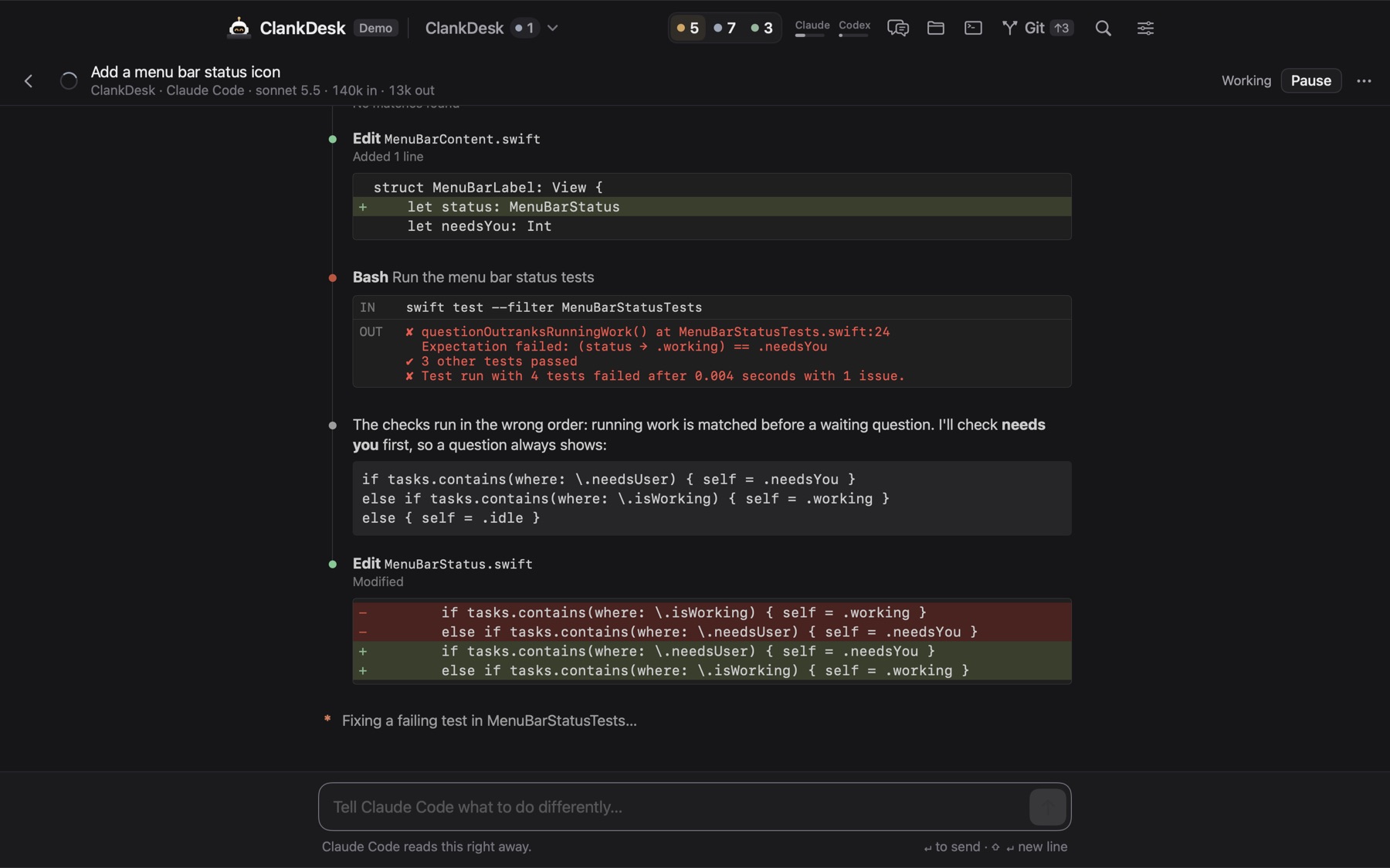
- One permission experience. Claude Code's permission prompts become questions on the card. Codex runs sandboxed, and is told to ask on the card instead of guessing when it needs something.
- Usage in the header. See how much of each plan is left before you start a big batch.
ClankDesk also offers updates for both CLIs when new versions come out, and never interrupts a running session to install one.
The features page has the details, and the demo runs in your browser.